
 Deutsch
  English
 Stop Manually Checking P&IDs: A Smarter Way to Catch Errors Early
On most projects, P&IDs don’t exist in isolation. You’re usually working across dozens of drawings, sometimes 10, sometimes 50 or more, all part of the same system.
And at some point, someone must check them. Typically, that means going drawing by drawing, looking for duplicate equipment tags, repeated valve numbers, missing data, or inconsistencies in naming. It’s a necessary step, but also time-consuming and not particularly reliable at scale.
The issue becomes more noticeable as projects grow. What’s manageable across a few drawings quickly turns into hours of manual checking. And even then, it’s easy to miss something, especially when the same tag or inconsistency exists in a different sheet that isn’t currently open.
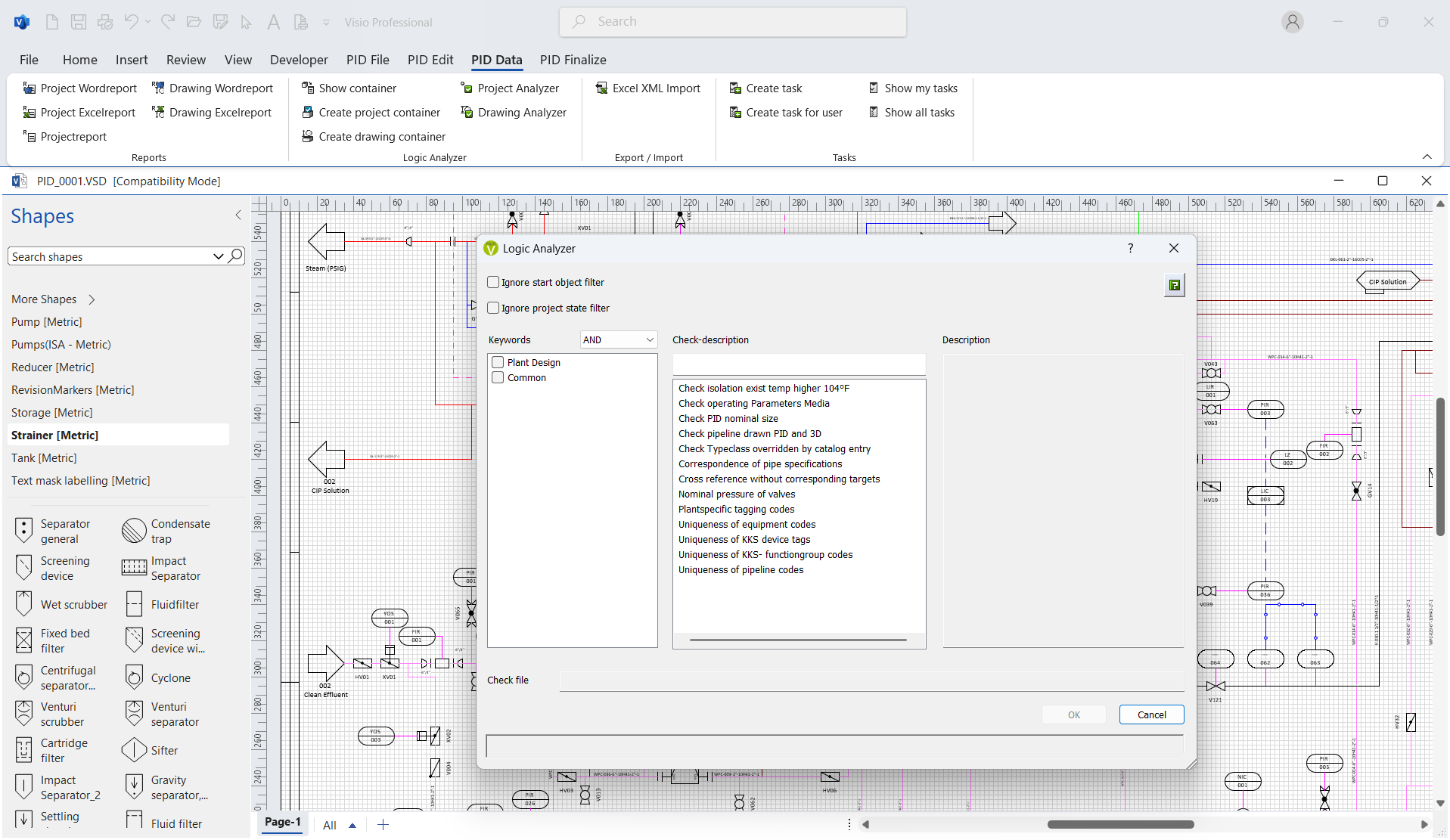

This is where a centralized validation approach makes a difference. With the Logic Analyzer in Visio P&ID Process Designer, engineers can run validation checks at both the drawing level during drafting and across the entire project database when broader verification is needed. Predefined routines can identify duplicate tags, missing attributes, and inconsistent data across multiple P&IDs, helping reduce manual checking effort and improve project-wide consistency.
You can also define custom checks based on engineering logic. For example, validating that pipes above a certain temperature have insulation applied, useful for steam and condensate systems or enforcing project-specific standards.
For process engineers, this shifts error checking from a repetitive task into a more structured, system-driven process, freeing up time while improving consistency and engineering quality across the project.